

Don’t be fooled by sloppy AI imitations with bad customer support!
Get the ORIGINAL HAND-CRAFTED Bevel extension for SketchUp used and loved by thousands!

“Bevel is, by far, the easiest and best way that I’ve found to round edges in SketchUp.” – Seth Allen
‘Bevel‘ is the essential SketchUp Extension for Rounding and Beveling Edges. It is powerful and a pure joy to use, especially if you’ve been using Follow Me to create fillets and chamfers until now.
We guarantee that ‘Bevel’ will become one of your most-used and most-loved SketchUp plugins. Why not take it for a test drive now by ordering a free trial license?
Features:
- Create fillets, chamfers, and bevel edges in SketchUp with ease!
- ‘Bevel’ is SketchUppy. It is easy-to-use, intuitive, and has that intangible feel only SketchUp tools can provide.
- Non-Destructive ‘Live’ Bevels! Apply a bevel to an entire group and component. Make changes to the geometry and the bevel updates automatically! (Kind of like a Bevel Modifier in other apps)
- Auto-Soften and Clean-up Edges. Includes built-in tools to quickly soften / harden edges and clean-up messy geometry. These tools are crucial for getting the best possible bevel results.
- Harden Edges of Bevel borders for easier dimensioning and editing.
- Pairs well with Artisan 2. Like Artisan 2, Bevel works with non-planar quads.
- ‘Bevel’ is FUN! Rounding edges in SketchUp with ‘Bevel’ is truly an enjoyable and even addicting experience!
SketchUp 2017 or newer is required for ‘Bevel’. It is compatible with both Mac and PC. Purchase a permanent license now for only $49 USD!
Videos and Tutorials
Our latest Bevel tutorials are posted to our YouTube channel. Make sure you like our videos and subscribe so that you won’t miss these invaluable tips and tricks!
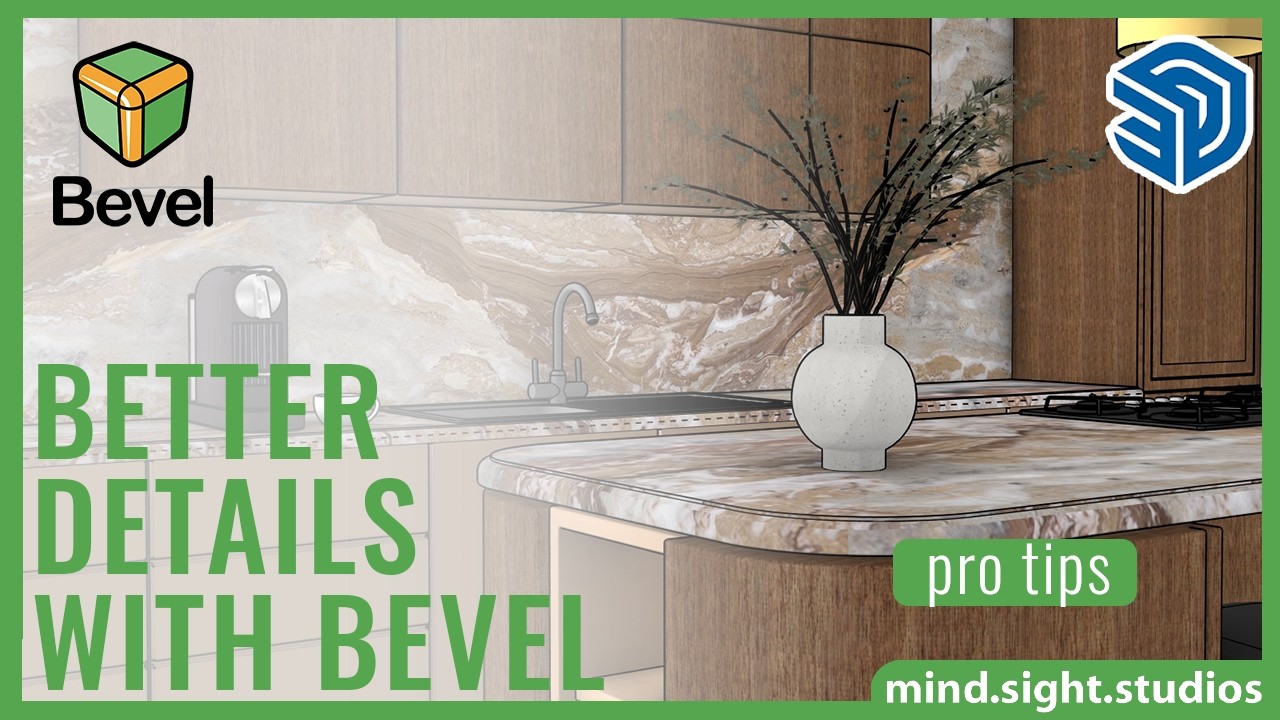
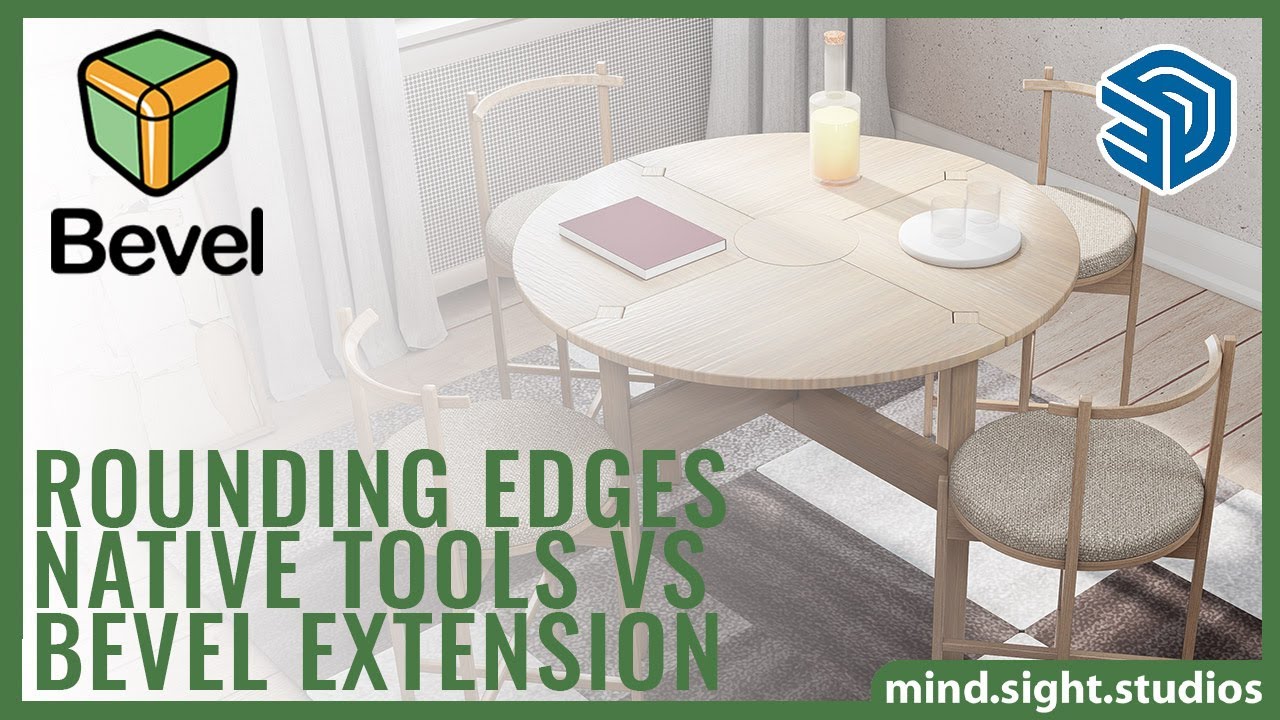
This SketchUp Tool Makes Beveling EASY
We'll start with a basic bevel, then look at chamfer edges and the powerful Live Bevel feature.
Chapters
0:00 - Introduction
0:26 - Why Add Bevel to Your Models
0:58 - Adding a Basic Bevel
2:00 - Adding a Chamfer Edge
3:21 - Live Bevel
5:20 - Settings & Other Functions
Get the Extensions Featured in This Video:
Bevel: https://mindsightstudios.com/bevel/?utm_source=youtube&utm_medium=bv-link&utm_campaign=youtube
Learn More:
For more information and to explore our SketchUp plugins, visit our website:
https://mindsightstudios.com/?utm_source=youtube&utm_medium=mss-link&utm_campaign=youtube
Stay Connected:
Subscribe to our channel for more SketchUp tips and tutorials: https://www.youtube.com/@mind.sight.studios?sub_confirmation=1
Follow us on Facebook for the latest updates: https://www.facebook.com/mindsightstudios/
Engage With Us:
Have questions or suggestions? Drop a comment below! We’d love to hear from you and help you out.
Support:
Need help? Visit our support page: https://support.mindsightstudios.comShow More




User Guides, FAQs, Community Support and More…
Our Help Desk is a searchable archive of tutorials, FAQs, and helpful information for all of our products, including Bevel. If you have a question about Bevel, this is the place to go.