

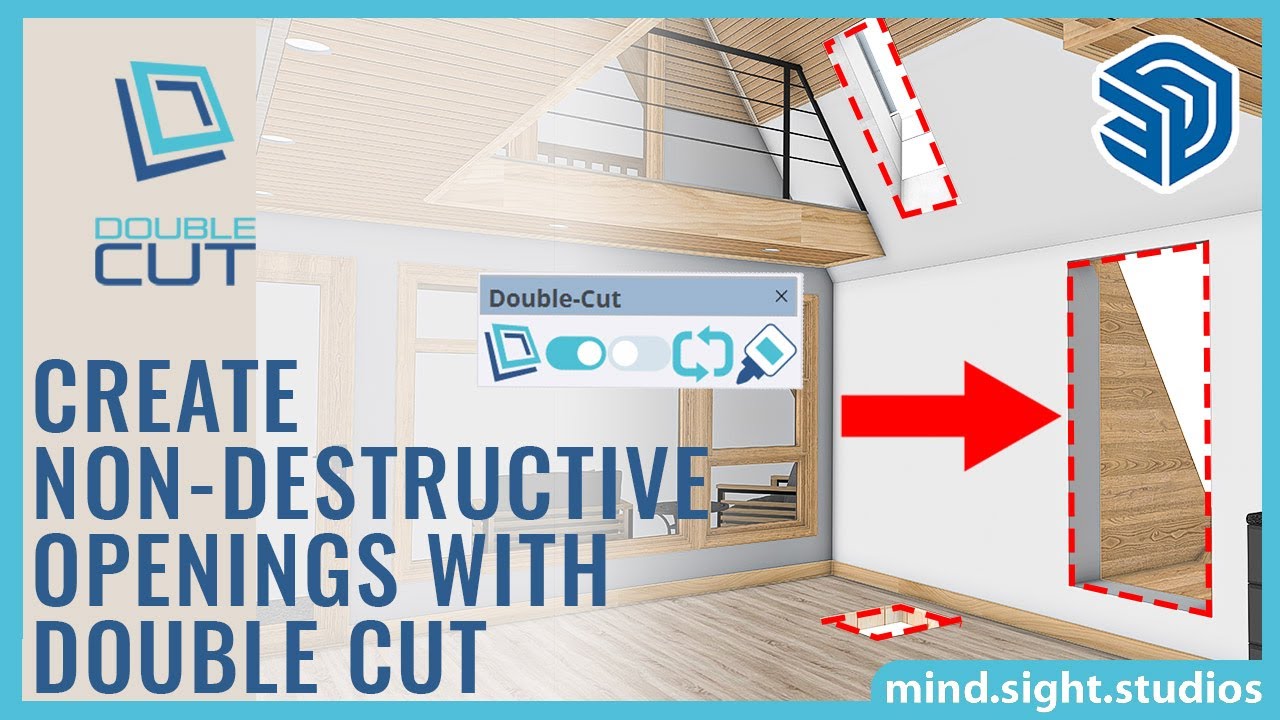
Make SketchUp cutting components (windows, doors) automatically cut through thick walls! Not only that, if you move the component after inserting it, the double-cut will automatically be updated, saving you valuable time.

A must-have plugin for architects and interior designers, Double-Cut works behind the scenes to adjust window and door openings created by SketchUp cutting components as you edit them.
Double-Cut reacts automatically to the standard SketchUp tools. Move a door and the opening automatically moves with it. Scale a dynamic window component and the opening resizes.
SketchUp 2017 or newer is required for Double-Cut. It is compatible with both Mac and PC. Purchase a permanent license now for only $39 USD.
Video Tutorials
Our latest Double-Cut tutorials are posted to our YouTube channel. Make sure you like our videos and subscribe so that you won’t miss these invaluable tips and tricks!
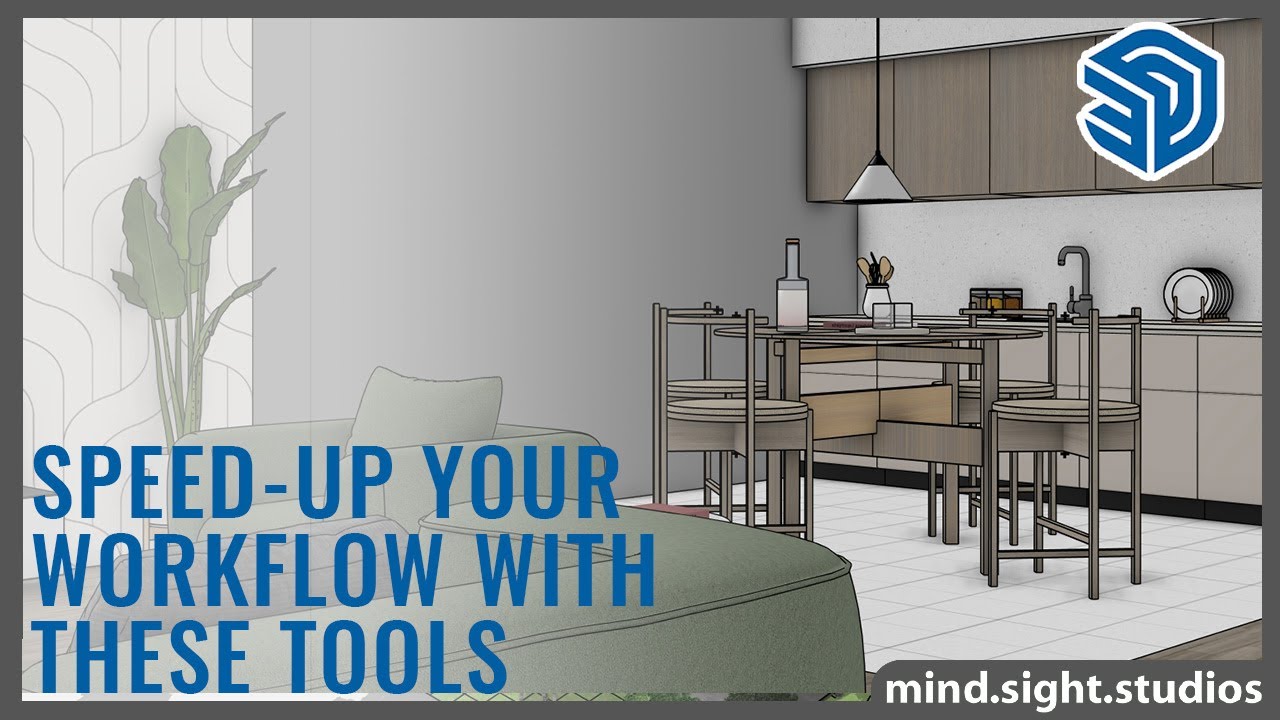
5 SketchUp Tools that Speed-Up your Modeling Workflow
In this video, I break down the tools I use every day to model faster, keep files lighter, and ...build cleaner architecture and interior scenes. Whether you’re working on furniture, interiors, or full buildings — these extensions will save you hours.
0:00 - Introduction
0:19 - How to use Bevel to Round Corners
2:00 - How to Use Skimp to Import High Quality Models
4:18 - Using Double-Cut to Create Dynamic Openings
6:47 - SketchPlus Deep Face Select
7:39 - SketchPlus Deep Stretch
Get the Extensions Featured in This Video:
Skimp: https://skimp4sketchup.com/?utm_source=youtube&utm_medium=sk-link&utm_campaign=youtube
SketchPlus: https://sketchplus.com/?utm_source=youtube&utm_medium=sp-link&utm_campaign=youtube
Bevel: https://mindsightstudios.com/bevel/?utm_source=youtube&utm_medium=bv-link&utm_campaign=youtube
Double-Cut: https://mindsightstudios.com/double-cut/?utm_source=youtube&utm_medium=dc-link&utm_campaign=youtube
Learn More:
For more information and to explore our SketchUp plugins, visit our website:
https://mindsightstudios.com/?utm_source=youtube&utm_medium=mss-link&utm_campaign=youtube
Stay Connected:
Subscribe to our channel for more SketchUp tips and tutorials: https://www.youtube.com/@mind.sight.studios?sub_confirmation=1
Follow us on Facebook for the latest updates: https://www.facebook.com/mindsightstudios/
Engage With Us:
Have questions or suggestions? Drop a comment below! We’d love to hear from you and help you out.
Support:
Need help? Visit our support page: https://support.mindsightstudios.comShow More


Affiliate Tutorials
See the amazing new capabilities of Double-Cut 2.0 in the video below from our friend TutorialsUp!
User Guides, FAQs, Community Support and More…
Everything you ever wanted to know about Double-Cut is available at our first-class Help Desk.